
Farms for Service providers
Organize the job. Deliver documented work.
For independent professionals and businesses providing field services. Bring clients, teams, areas and equipment together in shared operations, plan aerial applications with Farms Atlas and deliver records of the work.
Download FarmsSpraying
Fazenda Boa Vista · 7 Sep 2026
- Field
- Field 04
- Crop
- Corn
- Equipment
- Sprayer
- Area
- 40.0 ha
- Applied volume
- 4,000 L
- Application rate
- 100 L/ha
- Recorded duration
- 2 h 30 min
| Temperature | Humidity | Wind |
|---|---|---|
| 24 °C | 68% | 12 km/h · NE |
| Product | Dose |
|---|---|
| Product A | 1.5 L/ha |
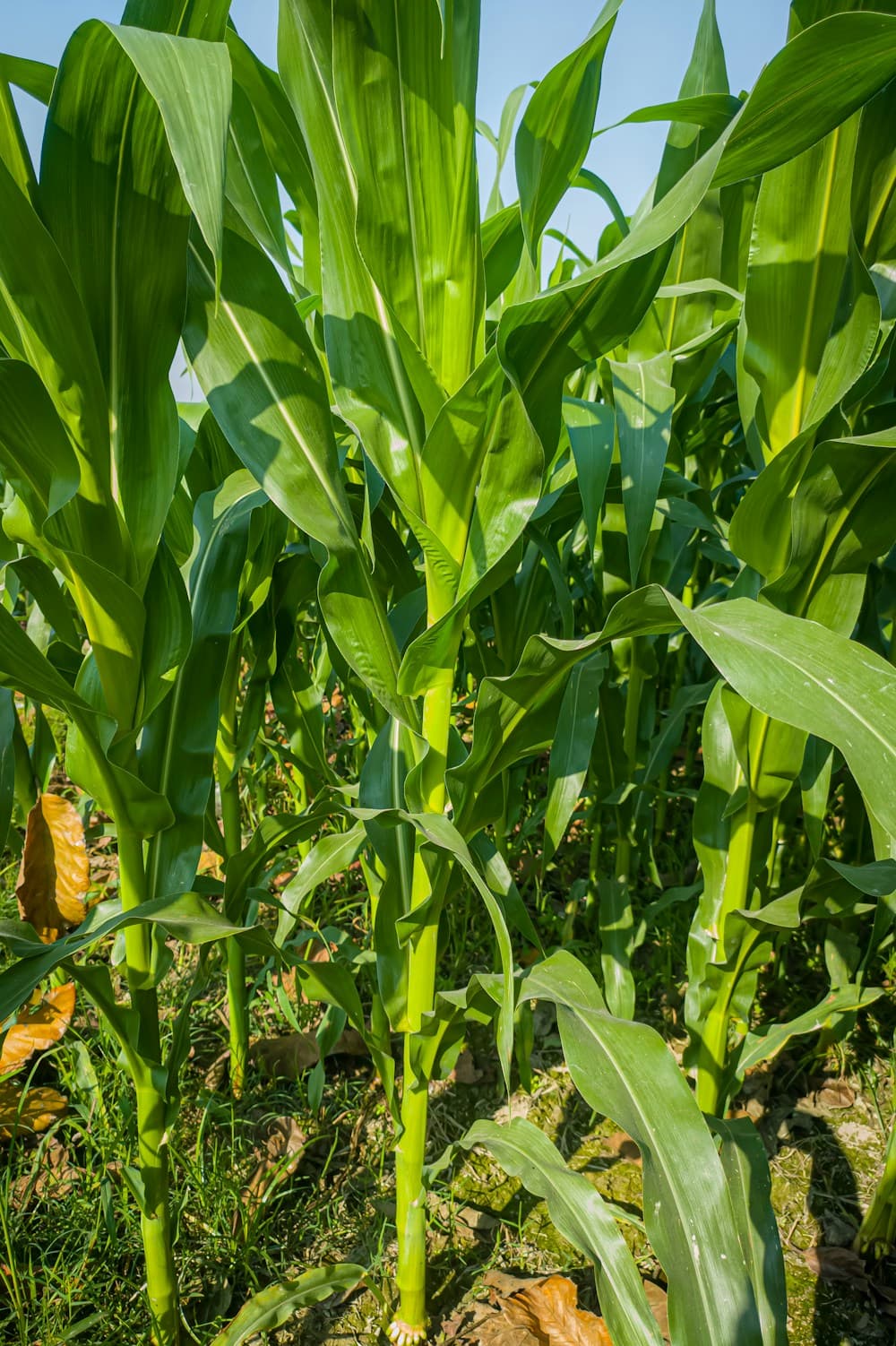
Corn with green leaves. Field record attached to the operation in Field 04.
In your daily work
From agreeing on the job to delivering it to the client.
Prepare each job with the right people, record its execution and bring together results, photos and reports to show what was done.
Features may vary by platform, version and purchased access.
Organize the job with the client
Schedule the operation, select areas and equipment, and include the team, client and other participants with appropriate access. Keep timing and job information together for those carrying out and following the work.
Compare scenarios before mobilizing
For supported aerial applications, explore equipment and planning alternatives with Farms Atlas, our proprietary AI engine. Geometry, equipment constraints and physical models underpin time and resource estimates. Compare using consistent assumptions and units; an estimate is not a measured job result.
Prepare the area and choose the work window
Draw or import boundaries and check exclusions. Compare wind, rain, temperature and humidity forecasts to prepare the work window, considering the job’s requirements and conditions on site.
Bring together job paths and observations
Link GO recordings to the operation and add FotoTrack photos and comments to document the conditions encountered. Live tracking requires location sharing to be enabled, a connection and participant access.
Review and deliver the operation report
Review applications, products, rates and reported results. Select the records that accompany the report and generate the PDF to present the job to the client. Keep the history so you can revisit each job later.
Understand the limitations too.
The report brings together selected operation data and records. The preview is illustrative; its passes come from a recorded simulation and do not measure the totals shown. Atlas estimates support planning and do not guarantee performance, savings or agronomic outcomes.
Plan, follow and record your next job.
Organize areas, bring your team together and keep records from execution to reporting.